Tattoo Artist Website & Workflow
Raising the bar for tattoo artist websites
Anyone who’s gotten a lot of tattoos knows that tattoo artists don’t always have the best websites. When Denver tattoo artist Jess reached out about designing a website for her private tattoo studio, Ginger Tea Tattoos, she said she really wanted to raise the bar.
So we chatted about building a brand new site from the ground up that would be functional, informative, and integrate with other tools she uses to manage her business.


Building branding first
I worked with Jess previously to design a colorful branding package for her studio based on her original artwork – and her website would put that branding into action!
I always recommend developing your business’s branding before you build a website, because branding will guide all your design and aesthetic choices.
If you need a website for your tattoo studio (or any other creative business), but you don’t have set branding, check out my web design and branding suite! Combining these services is the quickest way to establish your brand and get your website off the ground, all in one fell swoop.
Handling the technical details
Because Jess didn’t have an existing website, the first step was to set up domain registration and web hosting. If these terms aren’t part of your vocab, don’t panic! I’m happy to help with all the technical aspects of setting up a new website. And I’ll always make sure you control your own domain and hosting (unlike web builders like Wix or Squarespace) – so even if you stop using my services someday, your website is yours.
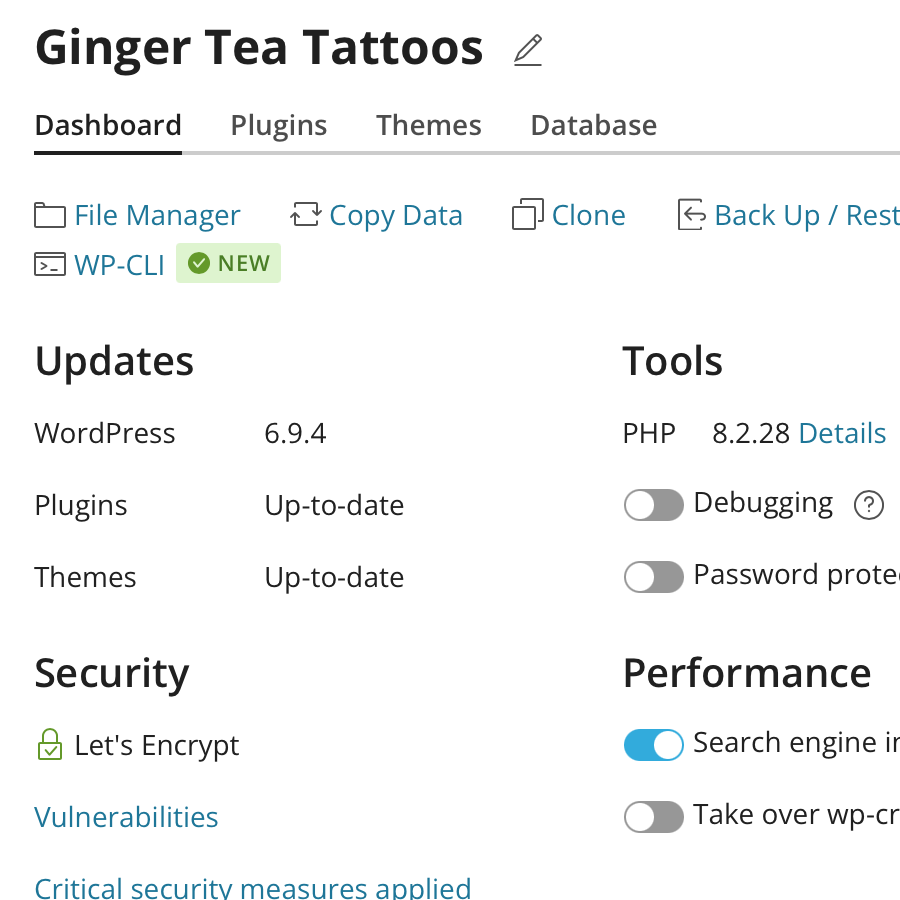
In Jess’s case, I handled all the technical stuff and got gingerteatattoos.com up and running with a WordPress.org backend, so it’d be easy for her to edit in the future. I also created an email address with her domain name, so her emails to clients would look legit, and helped her set up the email client on her laptop and phone, so she can respond to clients from anywhere.


Designing a groovy layout
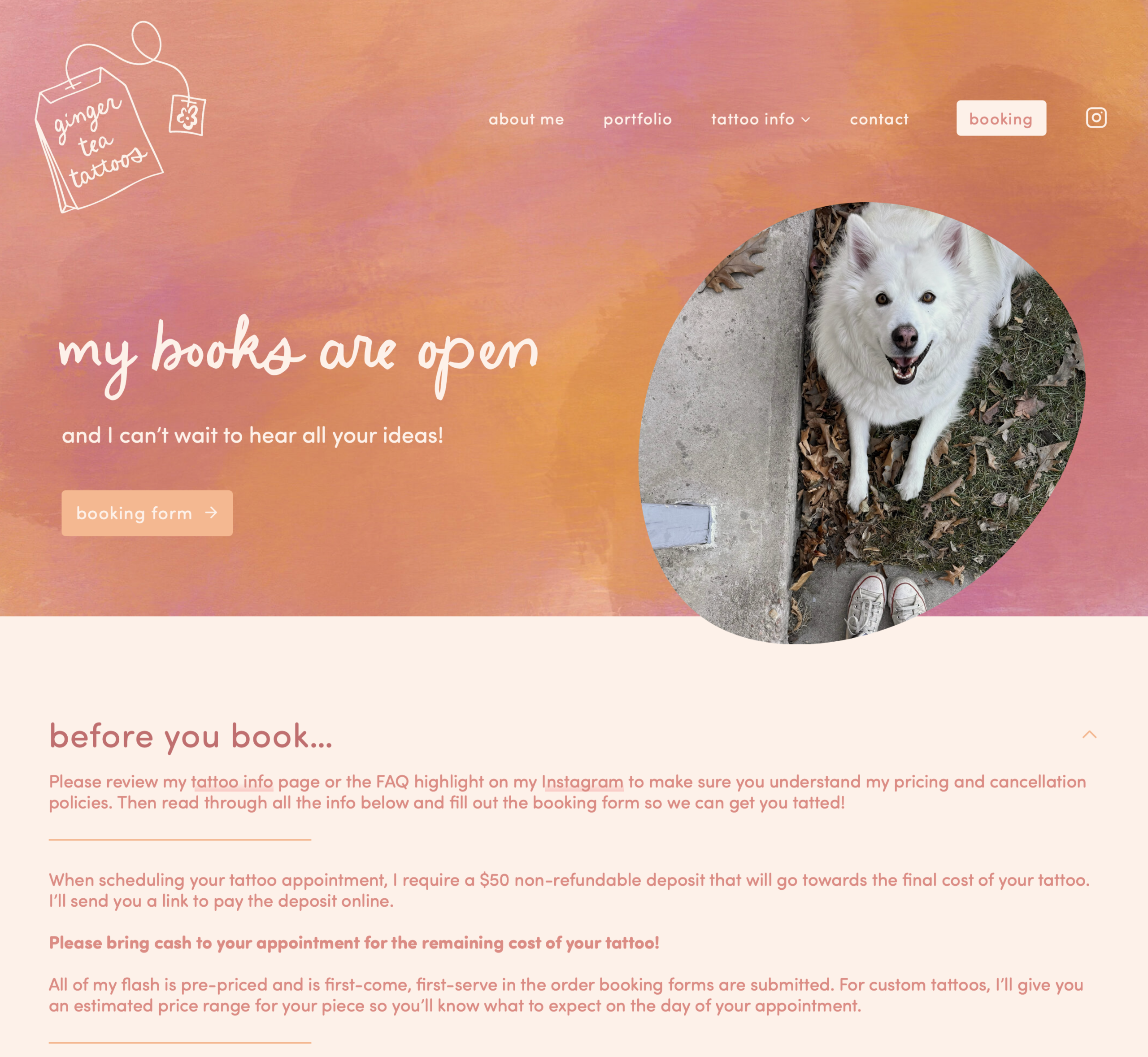
Then it was time to apply Jess’s branding to her web design. I used the watercolor artwork in her branding package as web backgrounds and headers, and I applied her brand color palette to buttons, footers, and frames.
Jess wanted a creative, groovy feel to the site that reflected her tattoo style, so I used fun design elements like abstract frames around photos and wavy, organic lines.
As part of Jess’s branding design, I licensed her fonts for web use (I include this in all my branding packages!), so we were free to use them throughout the site. This creates a really cohesive feel with other elements of her brand, like her social media presence. Having consistent branding helps your clients recognize your business across platforms!
Writing web copy
Of course, all those cool design-y pages also had to be filled with text! And Jess really wanted her website to be a resource to clients before and after their appointments.
So I wrote copy – in Jess’s brand voice – about her background, her studio, the booking process, tattoo aftercare…and a whole lot more! We worked together to tweak the wording until it was just right (and sounded like she wrote it herself).
If you know what you want your website to say, but not quite how to say it, I offer web copywriting in addition to web design services!

Creating a tattoo portfolio
One of the most important parts of Jess’s website (and the one I was most excited about) was her tattoo portfolio. We both felt like this was a place a lot of other tattoo artists’ websites really faltered, so we wanted to create something better than what we’d seen!
We decided on a dynamic portfolio page that Jess can continuously update. Each tattoo “post” links to a page where readers can see a large picture(s). And each tattoo is tagged with descriptors (like fresh vs. healed work, floral tattoos, color tattoos, etc.) so readers can filter by these terms.
Integrating a booking workflow
Jess also wanted to integrate her tattoo appointment booking form directly into her website, to replace the Google form she’d previously been using. But I suggested we take it a step further and simplify her entire booking and client management process with a CRM that communicates directly with the booking form.
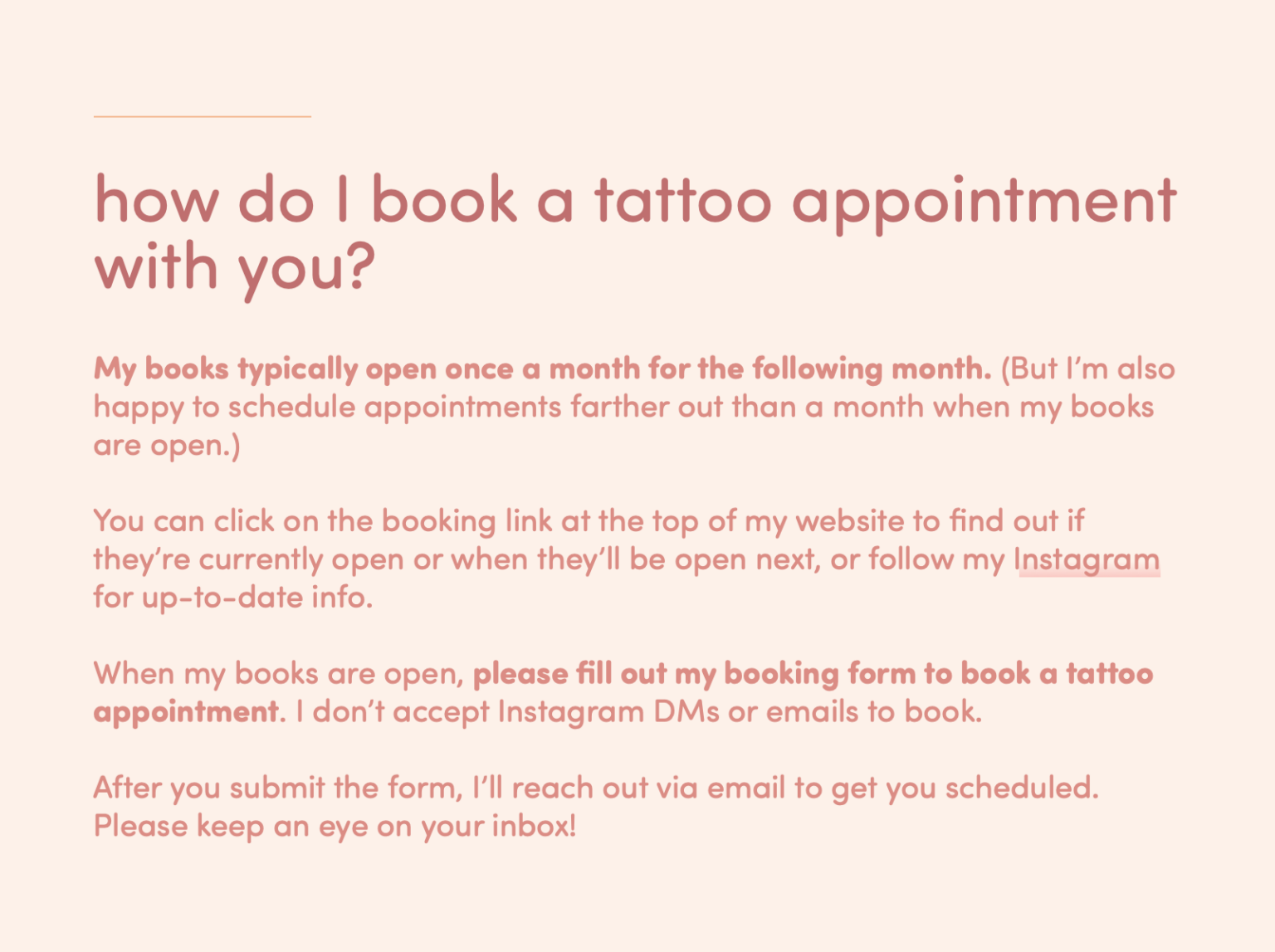
I modified Jess’s old booking form to create a more user-friendly experience, with questions based on the type of tattoo a client is requesting. Then I mapped those questions to fields in Dubsado, a client relationship management tool for creative service businesses, so each booking request would create a new “project” in a dashboard Jess could easily manage.
Finally, we created canned language and email templates for all the steps in Jess’s client workflow – from booking an appointment time, to requesting a deposit, to sending aftercare instructions – and automated the process in Dubsado.




Handing over the reigns
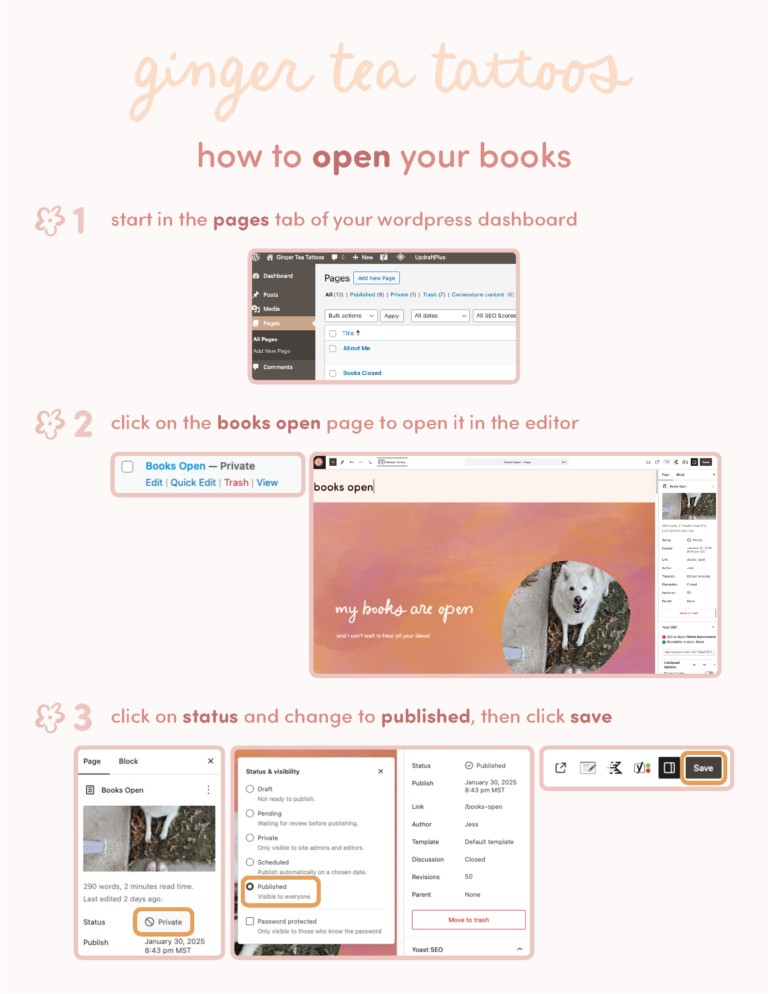
One of the last steps in Jess’s website project was making sure she could manage everything herself! I put together detailed, easy-to-follow instructions for adding posts to her portfolio and closing her booking page, so she could maintain control of all these processes.
Launching a tattoo artist’s website
We launched the Ginger Tea Tattoos website and booking workflow, and it’s been smooth sailing ever since! According to Jess, her bookings have increased thanks to the easy-to-follow form and professional email workflow.
This web design project was pretty intense – we started from scratch and designed not only a website, but a comprehensive client management system and a living portfolio of this tattoo artist’s work. But whether you’ve got something like this in mind, or just want to revamp the look-and-feel of your existing website, I’d love to chat!